Three checks.
One compatible lead.
01 / Read both ports
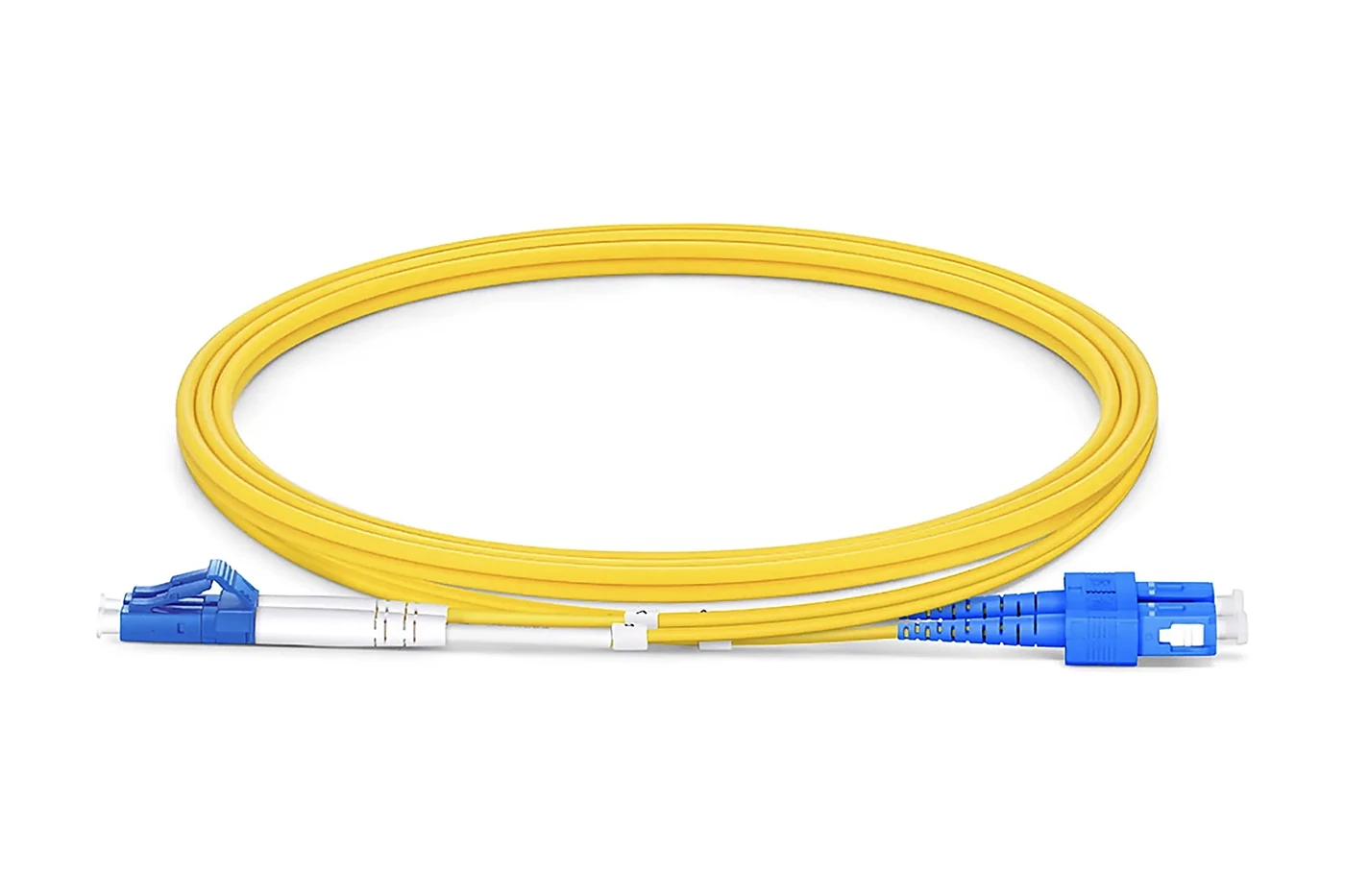
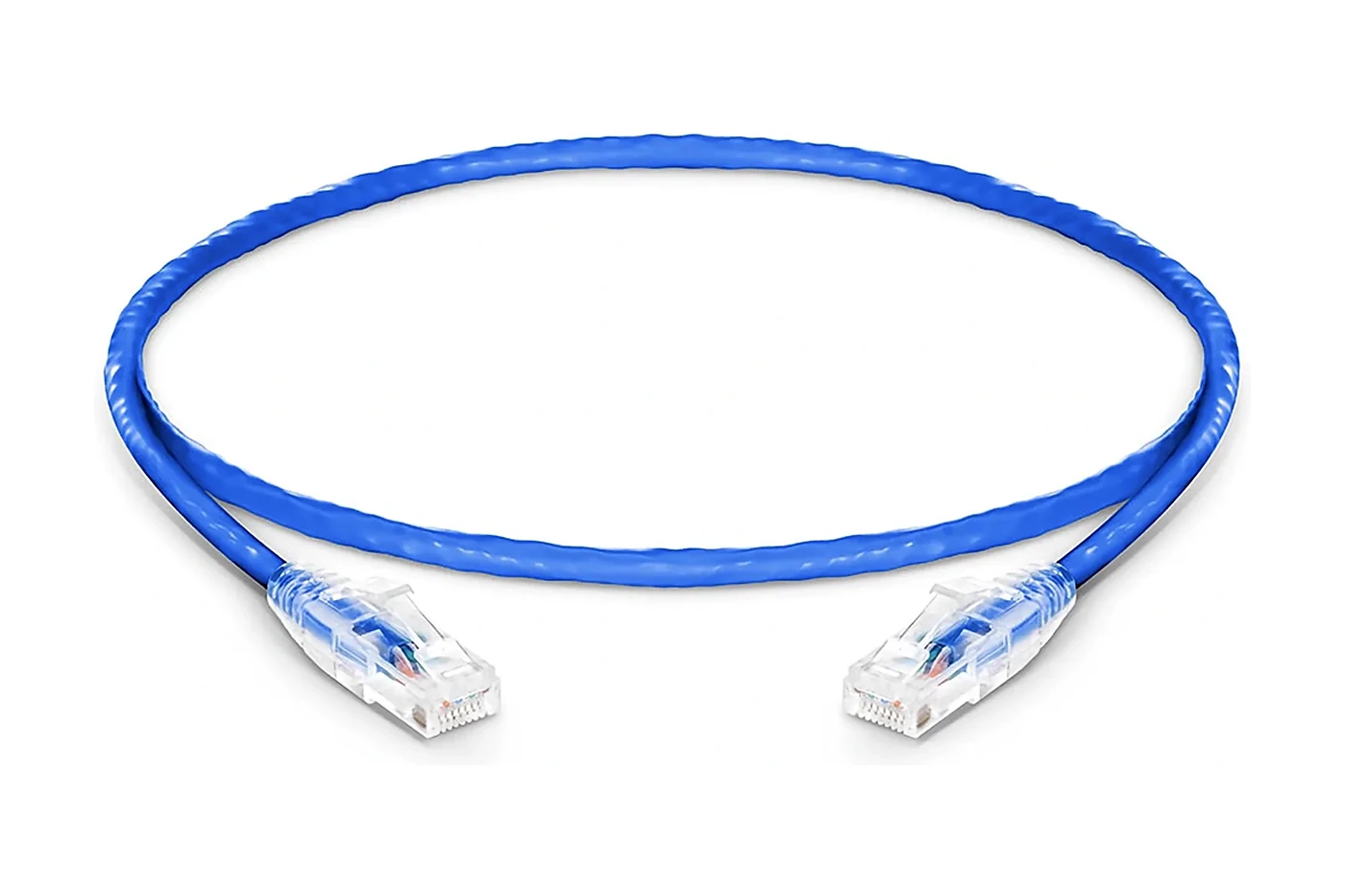
RJ45 is the physical plug used by these Ethernet leads. LC fibre plugs are compact; SC plugs use a larger square push-pull body. A connector fits only its matching socket. For a right-angle RJ45 plug, also check the cable exit direction and clearance.
02 / Match the optical system
OS2 is single-mode; OM3 is multimode. Neither changes an optic into the other type. UPC and APC describe different end-face polishes; do not mate them together. Green SC bodies commonly indicate APC, but verify the equipment specification rather than relying on colour alone.
03 / Measure without tension
Measure the path, not just the straight-line distance. Leave a service loop and avoid sharp bends, pinching and connector strain. Follow the equipment maker’s bend-radius and installation instructions. Protect optical tips and keep dust caps until installation.
If either end is uncertain, tell us the equipment model and port description using the contact form. Do not send passwords or confidential network credentials.
Ask a connection question